mne-videobrowser#
Video and audio browser extension for MNE-Python’s Qt data browser.
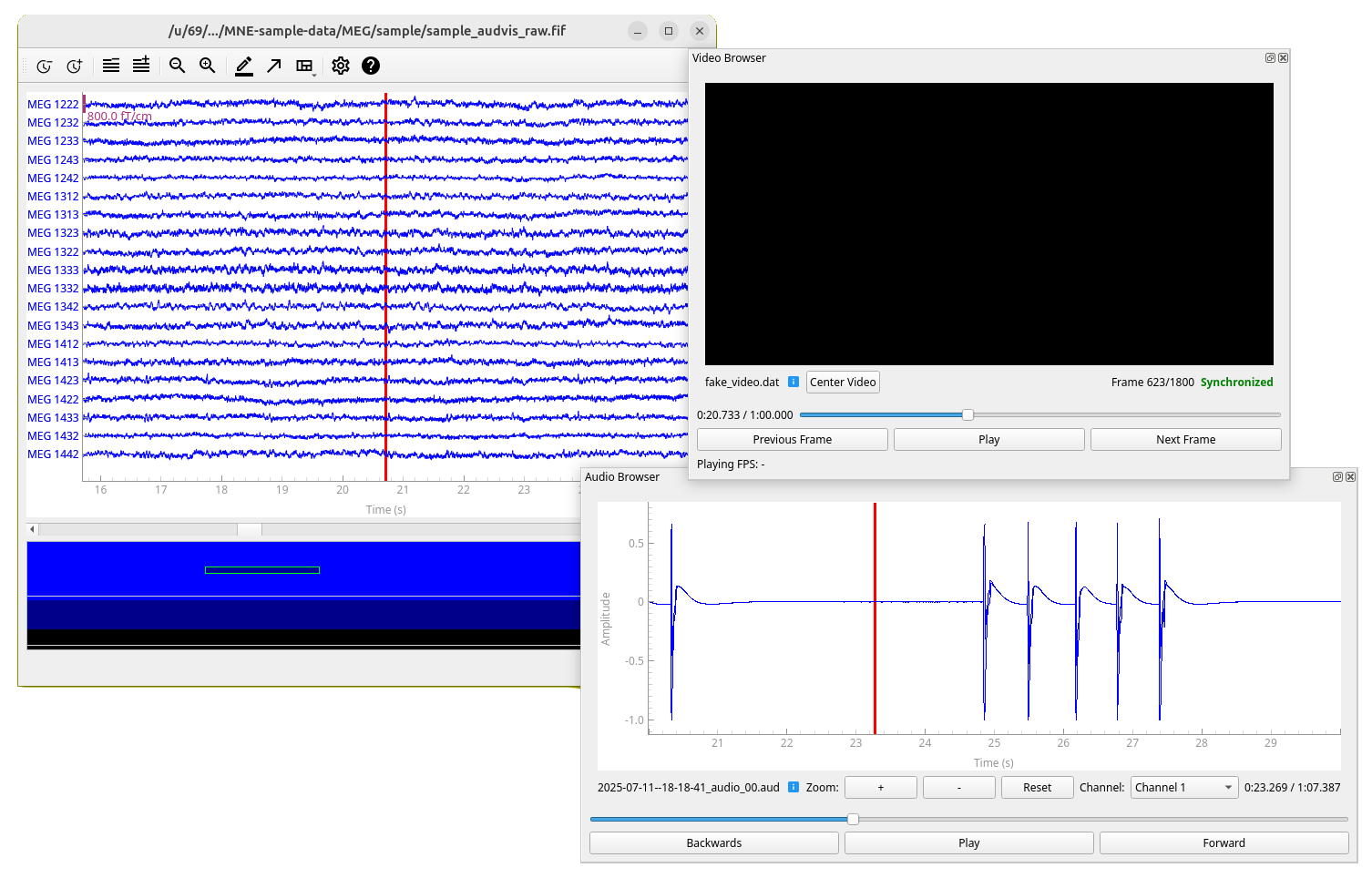
mne-videobrowser is an open-source Python package for browsing video and audio time-synchronized to MEG/EEG data. It serves as an add-on for mne-qt-browser, which is part of MNE-Python, an open-source Python package for exploring, visualizing, and analyzing human neurophysiological data.
This project also complements Helsinki VideoMEG project by supporting video and audio files recorded with their software.
Features#
Time-synchronized video browsing and playback with MEG/EEG data
Time-synchronized audio browsing and playback with MEG/EEG data
Support for multiple video and MEG files simultaneously (only one audio file with multiple channels at a time)
Support for Helsinki VideoMEG project format files
Standard video format support (MP4, AVI, etc.) via OpenCV (for audio only Helsinki VideoMEG format is currently supported)
Installation#
In addition to MNE-Python, this project requires package OpenCV for standard video file (such as .mp4) reading
and sounddevice for audio playback. Recommended way to install MNE-Python and thus this package is using
conda.
Using conda (recommended)#
Create a new conda environment (named
mne-videobrowser) with this package and all dependencies installed:conda create --channel=conda-forge --strict-channel-priority --name=mne-videobrowser mne-videobrowser
Activate the environment:
conda activate mne-videobrowser
Only on linux: If you do not have PortAudio library, which is dependency of
sounddeviceinstalled, install it. For example on Ubuntu/Debian:sudo apt install libportaudio2
Using pip#
Activate your desired Python environment (documentation for virtual environments).
Install this package, all dependencies will be installed automatically, except for a Qt binding, so you need to specify that in the command line as well if you don’t have one (we recommend PySide6):
pip install mne-videobrowser PySide6
Only on linux: If you do not have PortAudio library, which is dependency of
sounddeviceinstalled, install it. For example on Ubuntu/Debian:sudo apt install libportaudio2